
Inventory Management
Every Part. Every Storeroom. Every Truck.
Parts go missing between the storeroom and the truck, techs make extra trips and nobody’s sure what’s on hand. Umbrava tracks parts and their value across every storeroom, off-site storage area and technician truck.
Book Demo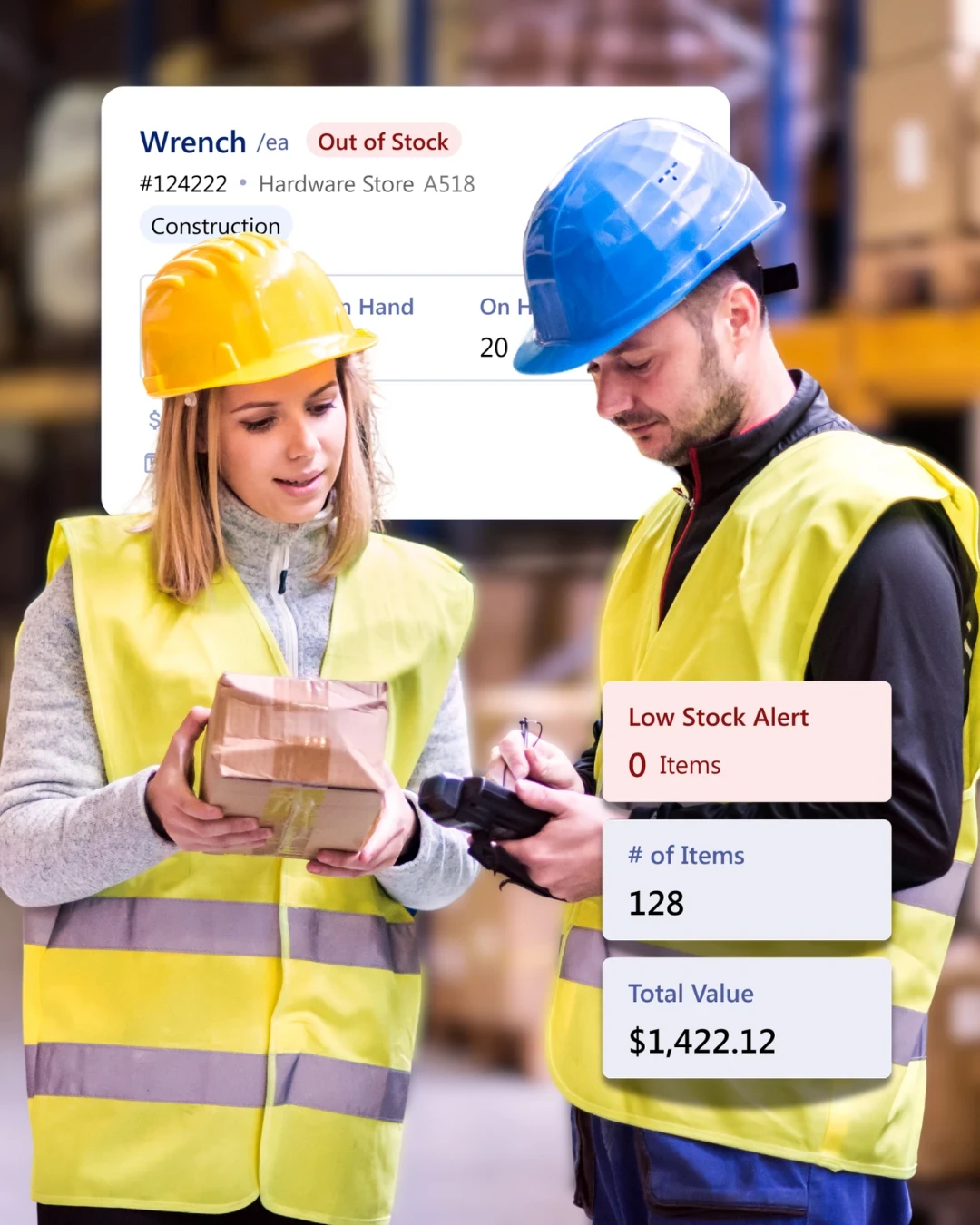
Who Keeps Parts on Hand
-
Multi-Site Operators
Keep spare parts stocked across every location and know what’s sitting in back rooms and storerooms before you buy more. -
Self-Performing Contractors
Track what’s on every truck and in every storeroom so technicians leave with the parts the job needs.
The Right Parts, at the Right Location
Set up every place you keep parts: storerooms, off-site storage, warehouses and technician trucks. Each storage area shows how many items are running low, the total value on its shelves and who is assigned to it.
All Items 2 Total Low Stock
$7,589.67
Storage Areas 6 +
-
Storage Area 1 1 Low Stock
$2,352.91 TB
-
Storage Area 2 1 Low Stock
$1,515.41 TB
-
Truck 1 2 Low Stock
$1,251.92 TB
-
Off-Site Storage 1
$272.42 TB
-
Off-Site Storage 2
$1,654.47 TB
-
Truck 2
$542.54 TB
Track Stock on Every Truck
A truck is its own storage area in Umbrava, with its own items, thresholds and assigned people. Check what’s on board before the tech rolls out, and stop guessing whether the part is on the truck or back at the shop.
Truck 1 #5
TB $1,251.92 · Plainview, NY 11803
Backflush Disc – Blind /ea Out of Stock
Janitorial- Available
- 0
- On Hand
- 0
- On Hold
- 0
Steam Wand O-Ring Kit /ea Low Stock
Appliances- Available
- 2
- On Hand
- 2
- On Hold
- 0
Reserve Parts Across Locations
Pull parts from several storage areas in one step. Umbrava shows what’s available at each location before and after the reservation, so a part that’s already spoken for doesn’t get promised twice.
-
Storage Area 1
Burr Set – 64mm Flat /ea
Available 3 → 1
− 2 + Remove -
Truck 1
Steam Wand O-Ring Kit /ea
Available 2 → 1
− 1 + Remove -
Off-Site Storage 2
Descaler Solution /ea
Available 8 → 6
− 2 + Remove
Cancel Reserve
Know When to Reorder
Set a minimum and maximum for each item, then adjust thresholds by location where demand differs. Every item carries a status: Stocked, Low Stock, Out of Stock, Overstocked, Discontinued or Inactive. The Low Stock Alert summary shows how many items need attention and what they’re worth, and filters by supplier, trade and status narrow the list to what you need to order.
Low Stock Alert 2Items
# of Items 40
Total Value $7,589.67
Every Part, Fully Documented
Each item record holds the manufacturer, manufacturer part number, model number, trade, unit of measure, preferred supplier and description, plus totals across every storage area. Available, On Hand and On Hold quantities sit side by side with average and total cost.
Brew Group Piston Seal /ea Low Stock
Appliances- Available
- 1
- On Hand
- 2
- On Hold
- 1
Details
- Manufacturer
- La Marzocco
- Manufacturer Part #
- GS3-0078
- Model #
- GS3 MP
- Trade
- Appliances
- Unit of Measure
- Each
- Preferred Supplier
- Coastline Restaurant Supply
- Description
- Piston seal for the GS3 brew group.
Totals across 2 storage areas
- Available
- 1
- On Hand
- 2
- On Hold
- 1
- Average Cost
- $12.99
- Total Cost
- $25.98
See What Your Inventory Is Worth
-
Average and Total Cost
Know what each part costs and what you have tied up in it.
-
Value by Storage Area
See the dollar value sitting in each storeroom, warehouse and truck.
-
Low-Stock Count
Spot which locations are running thin.
-
Stock History
Review the history behind each item.
From the Storeroom to the Technician’s Truck
-
Storage Areas
Set up storerooms, off-site storage, warehouses and trucks.
-
Thresholds
Set min and max levels per item and per location.
-
Status
See what’s stocked, running low, out or overstocked.
-
Reserve
Hold parts from one or more locations at once.
-
Available
See what’s free to use, on hand and on hold.
Truck 1 #5
Plainview, NY 11803
TB $1,251.92- Storage Area 1
- Storage Area 2
- Truck 1
- Off-Site Storage 1
- Off-Site Storage 2
- Truck 2
- Available
- 1
- On Hand
- 2
- On Hold
- 1